An island taking shape
This is a catch-up on work included in the October 9 releases, rather than a new gameplay patch. From the ground under your feet to the way you find friends, the changes share a goal: make Outscrap a better place to spend a session.
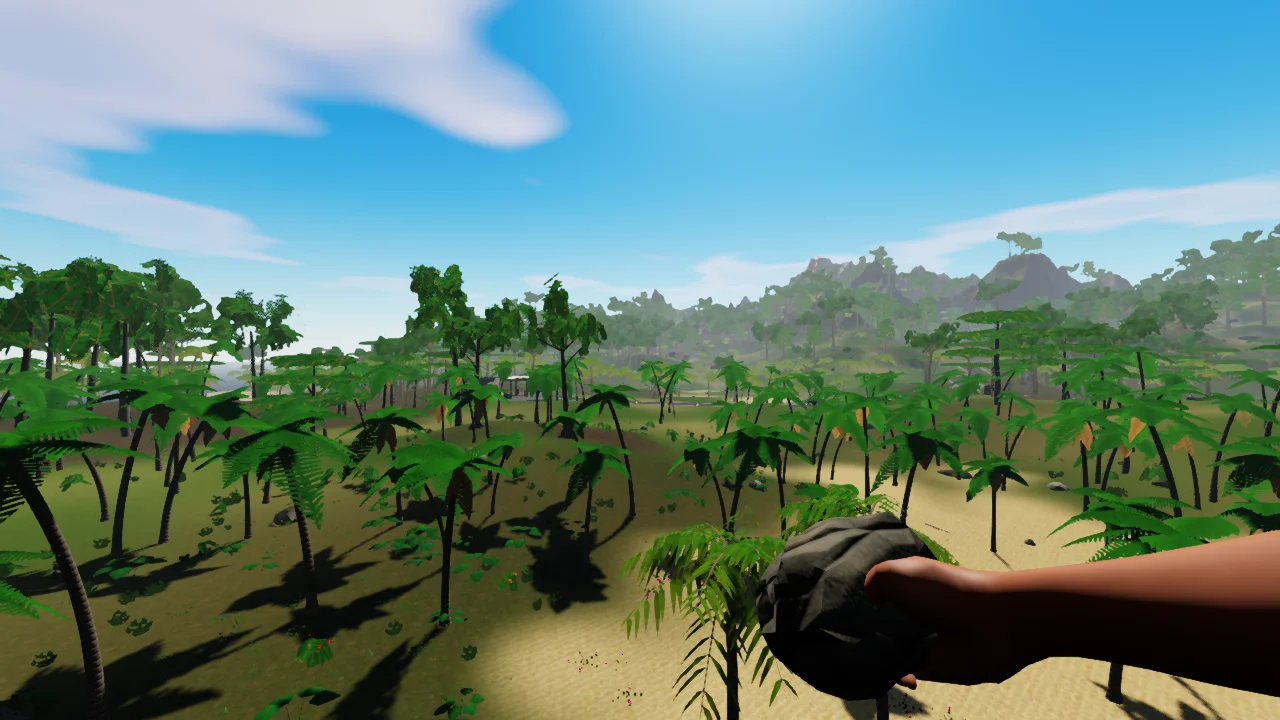
Terrain and grass improvements give the island more shape and detail. Behind the scenes, rendering work reduces repeated GPU uploads and shadow cost, while smoother transitions help vegetation and distant objects change detail less abruptly.
Better from one moment to the next
- Swimming and water ballistics received improvements, alongside inventory and container layouts.
- Harvesting gained progressive ore models and tree improvements, with updates to weapon attachments and lights.
- Usernames, profiles and friends give players ways to recognize each other and keep in touch.
- Server-browser improvements make finding a world clearer, with queued admission when a server is busy.
These are the kinds of changes we’ll keep documenting here: what changed, what it means when you play, and which parts are still being developed.
A moment on Ember Island
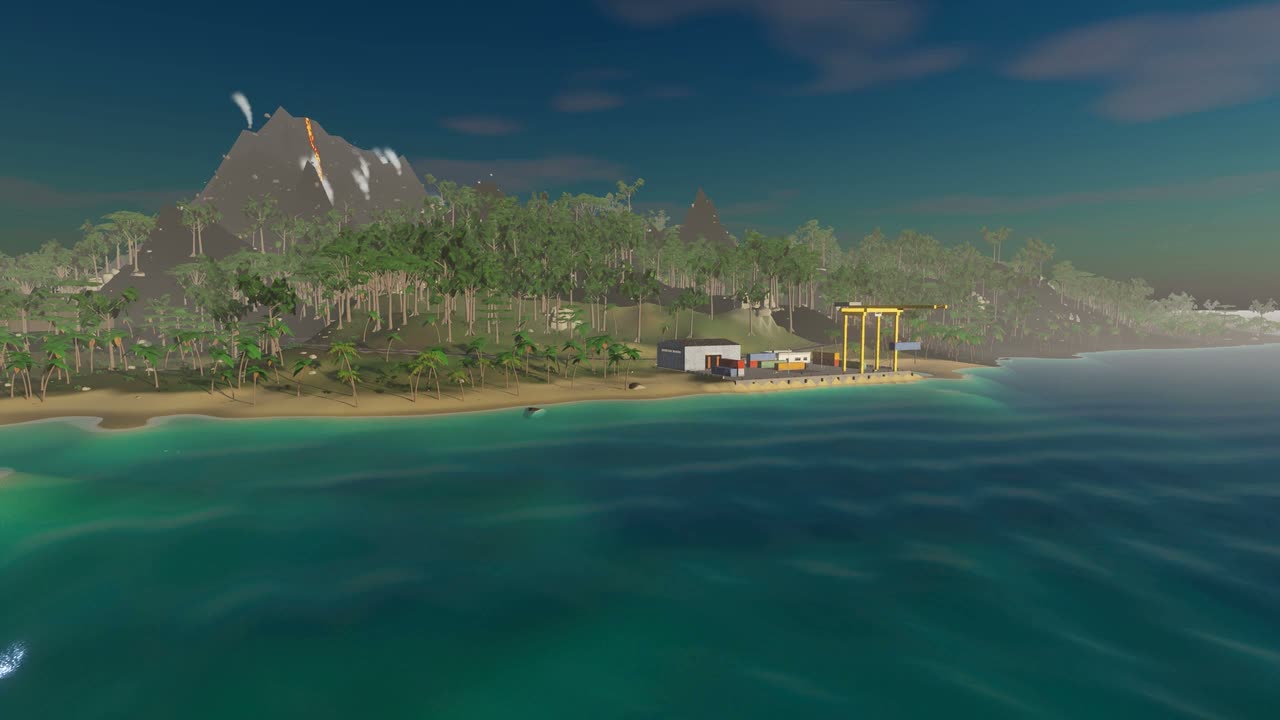
Take a short look around the coastline. This is the game’s existing ambient menu footage, shared here as a glimpse of the setting.
Video description
A coastal view of Ember Island, with palms, salvage buildings, blue-green water and a volcano in the distance. This silent ambient clip shows the game’s setting; it does not demonstrate every change described in this post.
The next chapter starts with playing
Future update posts will cover released changes, while dev logs will leave room for experiments and work in progress. Screenshots and short clips will help show the details when words alone are not enough.
If something interrupts your session, tell us what you were doing and what you expected to happen. Your feedback helps us decide what needs attention next.