
01 / GET INTO THE GAME
Start with a world that suits you.
Outscrap is a survival game that runs in your browser with a keyboard and mouse. You can start playing without creating an account or installing a separate game client.
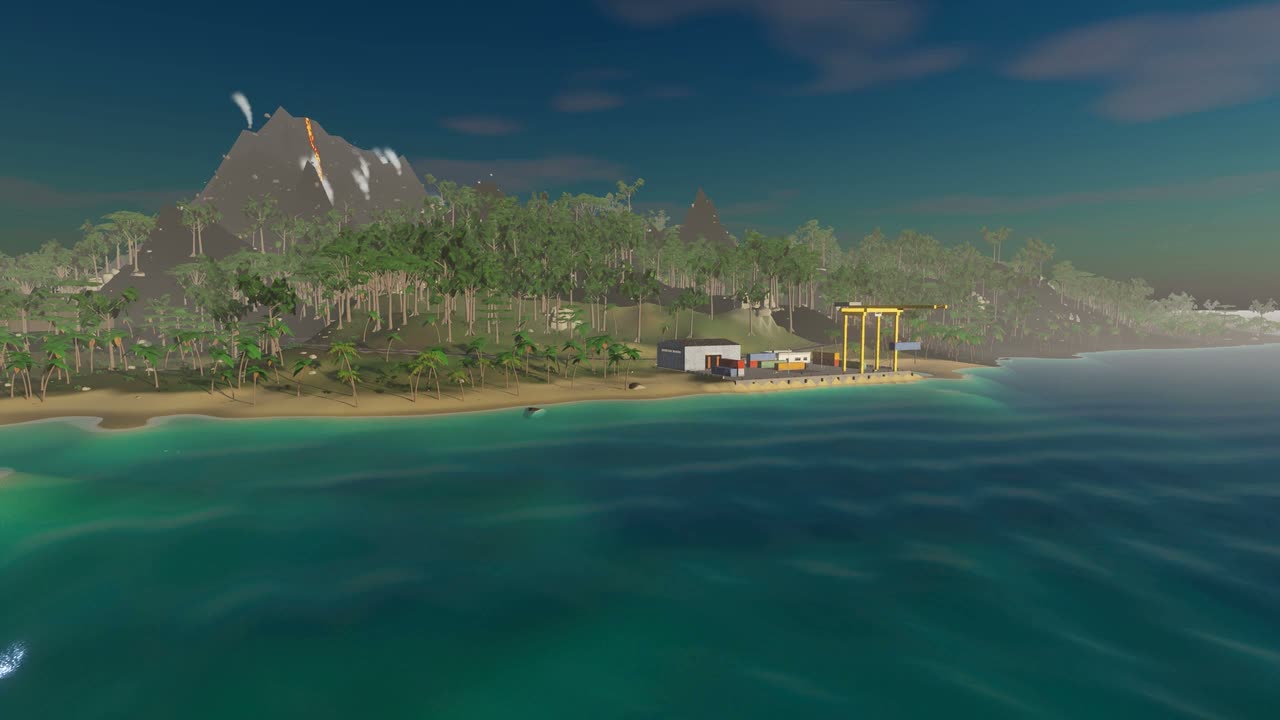
For your first visit, choose Ember Island · Solo in the game menu and select New World. If you already have a solo save, use Continue. For practice with weapons and movement, choose Training Hall · Offline Practice.
Prefer other players? Pick a survival server instead. You and your friends need to join the same server. The game modes guide explains the differences.
If a Click to play button appears after loading, click it to let the game capture your mouse. Press Esc to bring back the menu.
02 / GET ESTABLISHED
Gather first. Craft next.
Put your rock to work.
Select the rock with 1 and left-click trees and stone nodes. Press E to collect loose resource piles. Start by gathering 200 wood and 100 stones.
Make your first stone tool.
Press Q to open crafting. A Stone Hatchet or Stone Pickaxe costs 200 wood and 100 stones. Equip the finished tool: a hatchet helps with wood, while a pickaxe helps with ore.
Read the island.
Open the map with M. Start exploring at an unguarded salvage site. Press E to open a crate, then right-click an item to take it. Armed scientists guard some sites, so bring equipment before taking them on.
Press H to show the in-game First steps checklist. It tracks your gathering, crafting and building progress as you play.
03 / MAKE A HOME
Keep your first shelter simple.
Craft a Building Plan, a Hammer and a Wooden Door. Build a small square shelter with a foundation, three walls, a doorway and a ceiling, then place the door.
With the plan equipped, hold right-click to choose a building piece. Press R to rotate it. Use the placement preview to find a valid position before committing materials.
A roof keeps the rain off. Add wood to a campfire and turn it on to warm up; use a fueled campfire to cook meat. When you expand, pay attention to your tool cupboard and its upkeep requirements.
Store spare supplies at home before heading to a guarded site. Building a reliable supply of wood, tools and food makes the next trip easier.
04 / THE BASICS
Keep these controls close.
These are the default bindings. You can change them under Settings → Controls in the game menu.
| Key or button | Action |
|---|---|
| W A S D | Move |
| Mouse / left-click | Look / use the equipped tool or weapon |
| Shift / Space / C | Sprint / jump / crouch or slide |
| E | Interact, collect or open a container |
| Tab / Q | Inventory / crafting |
| M / H | Map / survival checklist |
| 1–6 | Select a belt slot |
| R | Reload a weapon or rotate a building piece |
| Hold right-click with the plan | Choose a building piece |
| Esc | Open the game menu |
05 / COME BACK TOMORROW
Your progress has a home, too.
Solo: your island saves in this browser and pauses while closed. Use Save & main menu when leaving, then choose Continue on your next visit. Starting a new world asks you to confirm replacing the existing one.
Multiplayer: return to the same server to resume that server’s survivor. Official survival servers have scheduled wipes that reset bases, loot, inventories and research. See the wipe schedule and the countdown in the server list. Accounts, skins and Sparks are kept.
Your browser stores the identity used to reconnect, so clearing site data or switching browsers can leave you without access to that survivor.
Before changing browsers or clearing site data, use Transfer saves → Export saves in the main menu. Import that file at the destination before playing. Keep the export private: it contains the information needed to reconnect as your survivor.
06 / WHEN YOU NEED A HAND
A few common questions.
Where should I start if I only want to try the guns?
Choose Training Hall · Offline Practice. It has targets, bots and equipment choices without the survival island’s gathering and crafting loop. See training and arena.
Why can’t I see online servers?
Use Refresh list in the menu. If online servers are unreachable, solo and offline training remain available. Check your connection and try the online list again later.
How do I improve performance?
Open Settings → Graphics and try a lower graphics preset. Render resolution has a large effect on graphics work; lowering it can help. The page must have focus for keyboard and mouse input.
THAT’S ENOUGH TO START
The rest is your island.
Keep the guide nearby, or follow the checklist in-game.